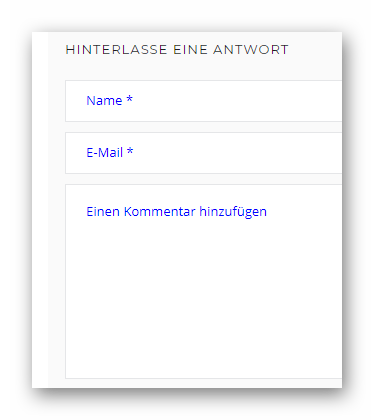
Wenn die vorgegebene Textfarbe für die Platzhalter (placeholder) in Formularen nicht zum Layout passt, kann sie mit einigen CSS-Anweisungen im Customizer geändert werden.
In diesem Beispiel eines Kommentar-Formulares ist die Textfarbe zu blass und damit schlecht lesbar:
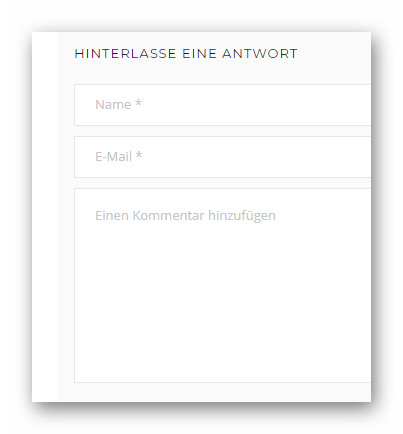
Dieser CSS-Code wird in den Customizer eingefügt (Farbe Blue als Beispiel verwendet):
/* Farbe für Platzhalter (placeholder) in Formularen ändern */
/* Input */
input::-webkit-input-placeholder {
color: blue !important;
}

input:-moz-placeholder { /* Firefox 18- */
color: blue !important;
}

input::-moz-placeholder {  /* Firefox 19+ */
color: blue !important;
}

input:-ms-input-placeholder {
color: blue !important;
}

/* Textarea */
textarea::-webkit-input-placeholder {
color: blue !important;
}

textarea:-moz-placeholder { /* Firefox 18- */
color: blue !important;
}

textarea::-moz-placeholder {  /* Firefox 19+ */
color: blue !important;
}

textarea:-ms-input-placeholder {
color: blue !important;
}
Danach ist der Platzhaltertext für den Besucher gut lesbar (Textfarbe kann nach Wunsch geändert werden):